Mastro Endpoints
Now you have a Books ontology, a Books database, and some mappings. You’re almost ready to start querying the ontology!
Querying the ontology means running SPARQL queries through Mastro’s query answering module, and so before you can start querying, you have to launch a Mastro Endpoint.
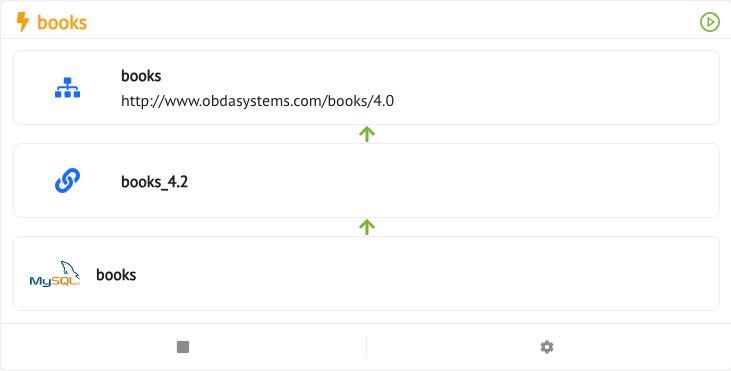
An Endpoint is basically an instance of the Mastro reasoner, which has been created by specifying an ontology version, a mapping, and a datasource. As usual, you can optionally provide a description.
From the Main Menu, click on the Mastro icon

Here you can see the list all the endpoints .
Press the Add Mastro Endpoint button, and the Create Mastro Endpoint drawer will pop open.
From here, to create the Endpoint, choose a (unique) name, (optionally) a description, an ontology, an ontology version, a mapping, and finally a datasource. Then, press Create, and the new endpoint will be added to the Endpoints.
By clicking on any Endpoint Card title, you can see the detail of the selectedendpoint: press Run Endpoint to boot up the Mastro Endpoint, Stop Endpoint to shut it down, and Delete Endpoint to delete it.
Mastro Endpoint that are running will be shown in green, with a “Play” icon next to their name.
For any running Endpoint for the selected ontology many services will be available, once among ghe others the Ontology SPARQL service.
Try creating and then running an Endpoint for the Books ontology, mappings, and datasource: the essence of OBDM.
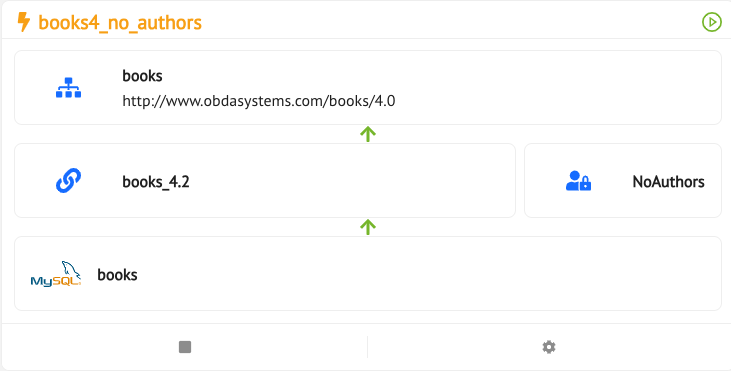
If you want to create an ednpoint which restricts the ontology access you just have to use an AVP when you are creating an endpoint.
Endpoint Page
By clicking on the endpoint name or the info button of the previous card, you will access to the endpoint page.
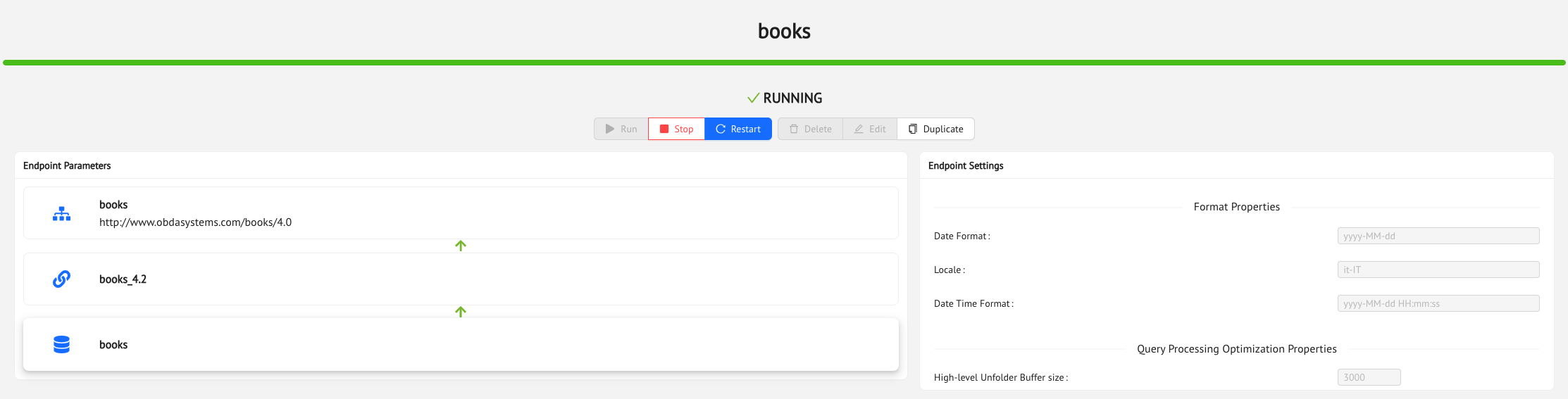
Here you can start, stop restart an endpoint. If it is stopped you can delete the endpoint or you you can use the current endpoint as a draft for a duplicated one.
On the right hand side you can edit the endpoint setting before running it in order to:
- customize formatting of date times
- fine tuning the optimization process
- set a max number of parallel SQL connections
- materialized ontology individuals in the datasource
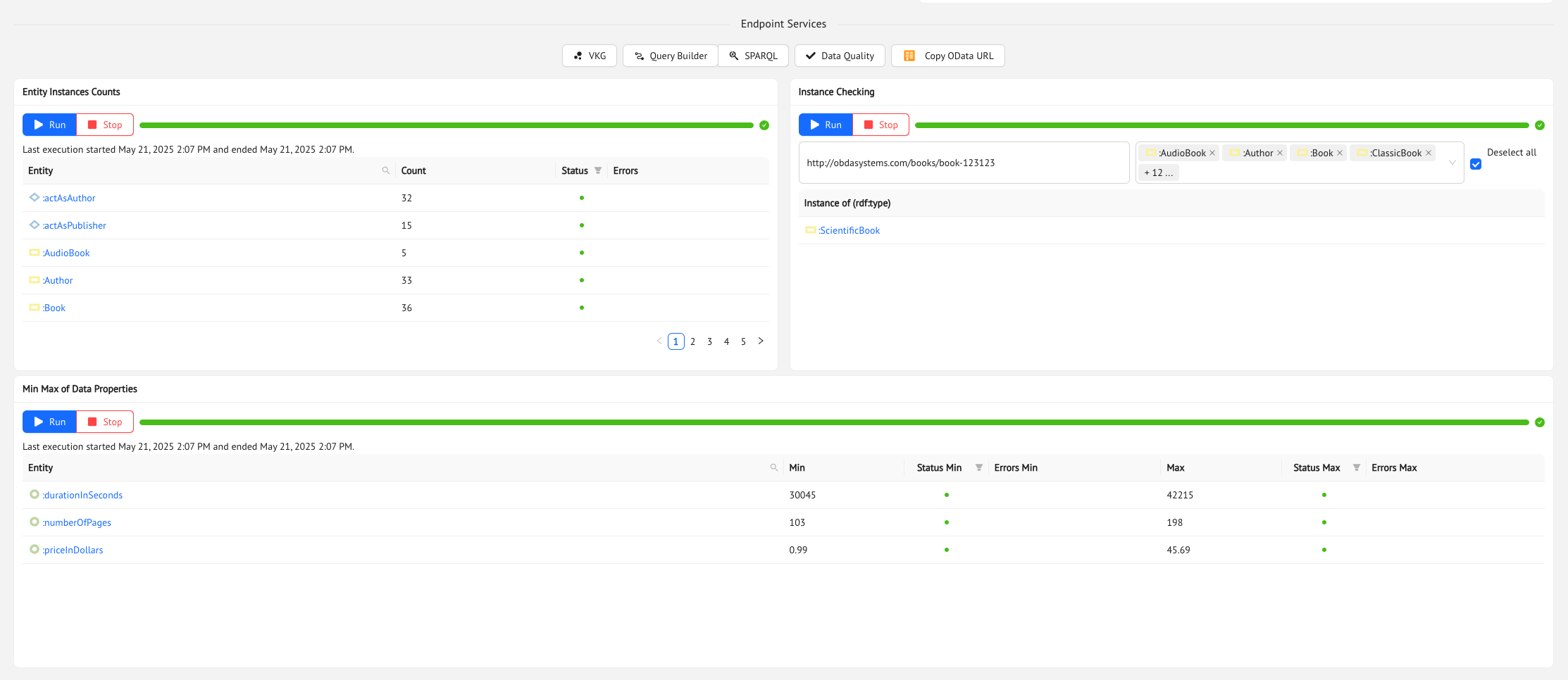
Below you cann directly access to the services available once the endpoint is running:
- VKG
- Query Builder
- SPARQL Queries
- Data Quality
- Copy the OData URL for accessing the Virtual Entities
- Materialized the entity count used by the VKG
- Check the instance type of a given individual
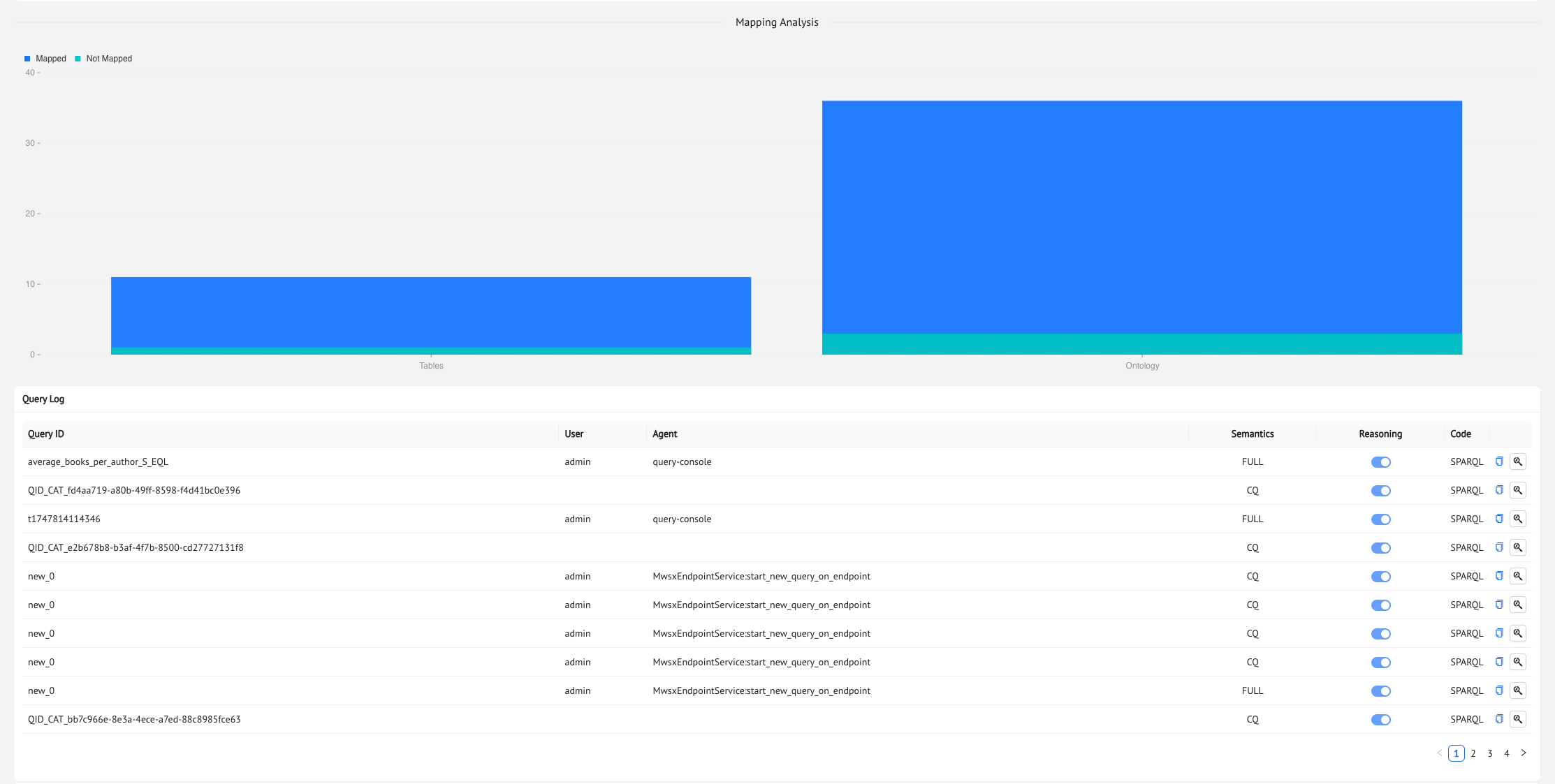
On the second half of the endpoint page you can see the covering of the mappings with respect to the ontology anda log of all executed queries on this endpoint.
Previous Next