Ontology Catalog
The Ontology Catalog is a repository of ontologies, which allows publishing versions of ontologies enriched with metadata such as their label, comment, publisher, date of publication and more. The metadata template follows the guidelines of the Italian Profile of the DCAT-AP vocabulary (DCAT-AP_IT)) which is widely used by organizations such as those in the italian public administration when publishing semantic assets such as ontologies and vocabularies.
Let’s add an ontology version to the Ontology Catalog: click the Ontology menu and select the “Books” ontology. You will notice that there are 4 actions available on the ontology version card:
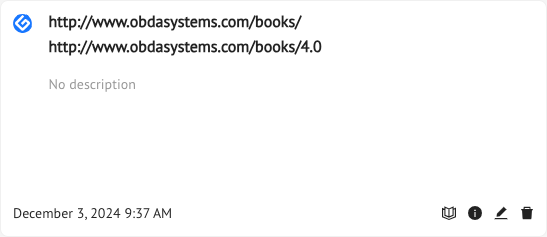
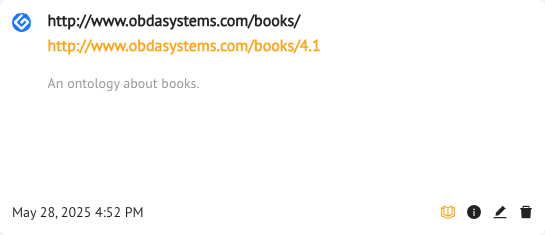
- Add the ontology to the Ontology Catalog (the open-book icon button)
- Info about how many entities (classes, object properties etc.) and axioms (the info button)
- Edit the ontology metadata and release a new ontology version (the pencil icon button)
- Delete the ontology version (the trash-bin button)
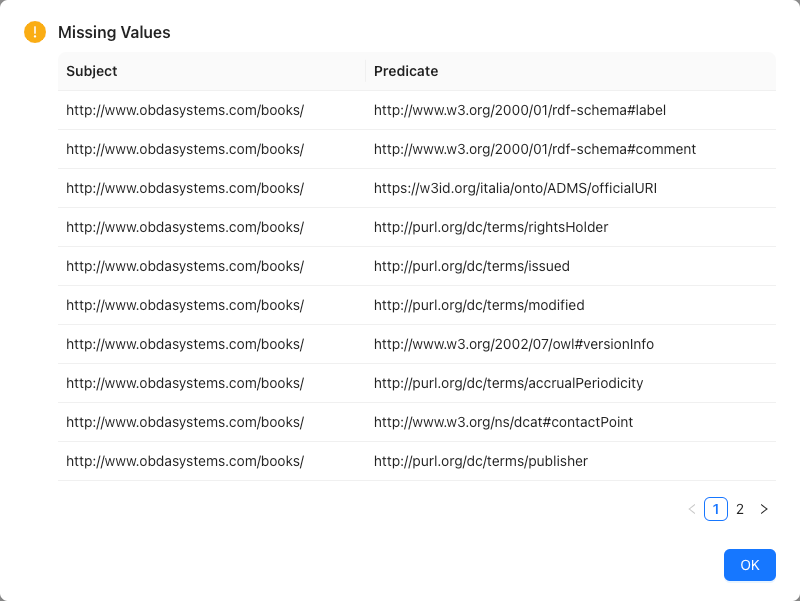
In order to load the ontology to the catalog, it must be equipped with the mandatory metadata, otherwise the following warning will be returned:
So, to publish the ontology, you first need to release a new version which includes the metadata. Just click on the pencil button and the following form will show up:
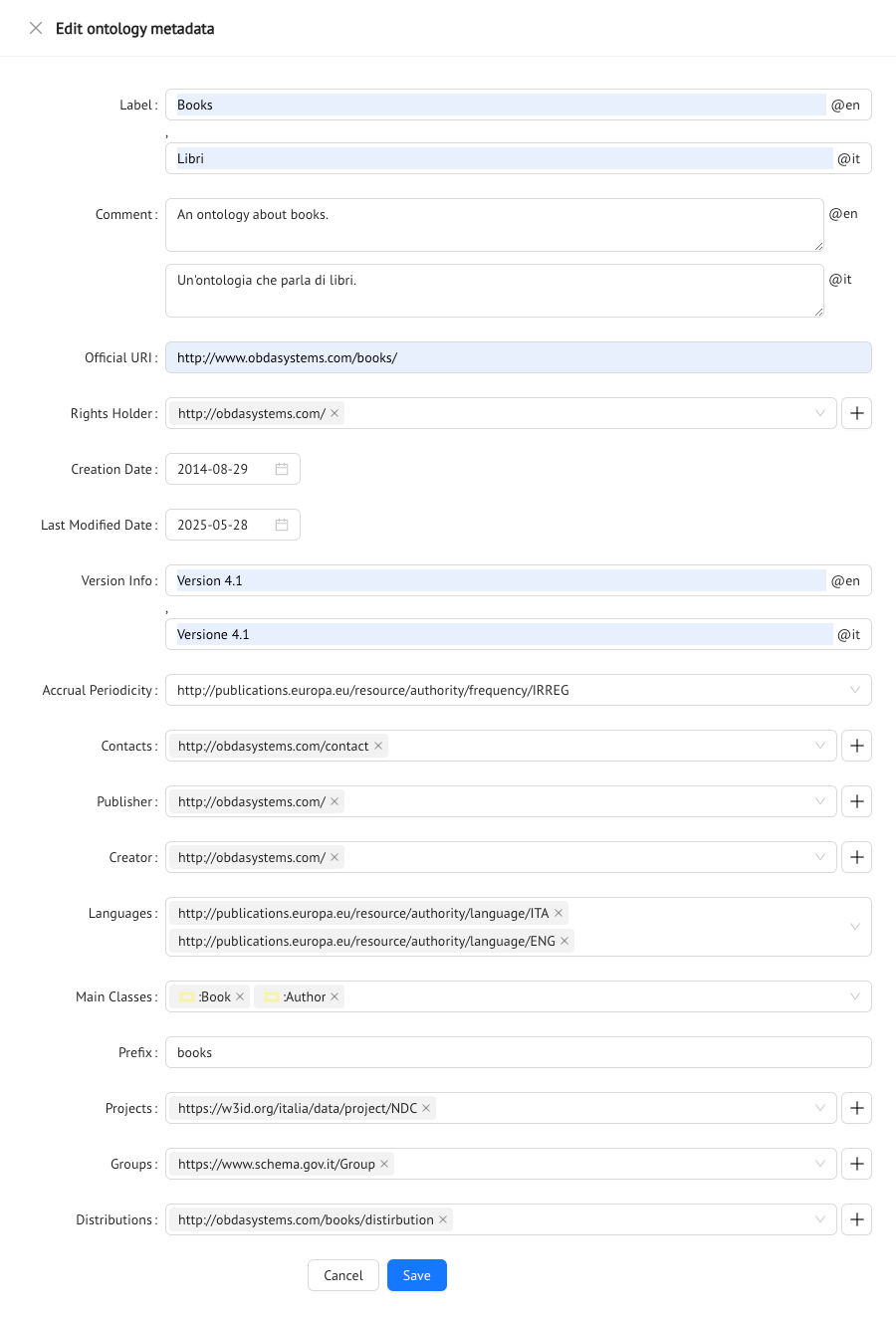
Notice that by hovering with the mouse over the label of the form item you can see (and follow the link) to the OWL Annotation that will be used to describe that metadata. Some metadata, for instance “Rights Holder”, are more complex than the others because this annotation requires an individual as its values, and not a simple literal. To assist in defining these annotations, the Ontology catalog will suggest the individuals that have been added to the catalog through previously loaded ontologies. These individuals are all considered as instances of the http://xmlns.com/foaf/0.1/Agent class. If the individual you need is not in this list, and therefore has not been previously used in any annotation for the ontologies loaded in the catalog, you can add it by clicking on the nearby + button. Another drawer will pop up, allowing you to add additional properties for the Agent you are defining. Once finished, it will be available for selection from the “Rights Holders” list. Notice that once an individual has been added, it can be reused across different ontologies and across different annotation properties (e.g. Agents will be available for “Publisher” and “Creator” as well).
Once you have completed the form, just click on the Save button and choose the new ontology version iri that you want to release, for instance http://www.obdasystems.com/books/4.1.
Once the new version is available, just click on the open book button in order to add the ontology version to the catalog. Once loaded in the Ontology Catalog the card will appear like this:
Catalog
To access the catalog, Click on the Ontology Catalog icon:

Here you can access the Ontology Catalog menu:
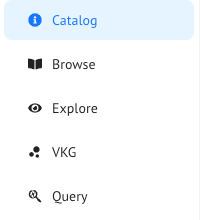
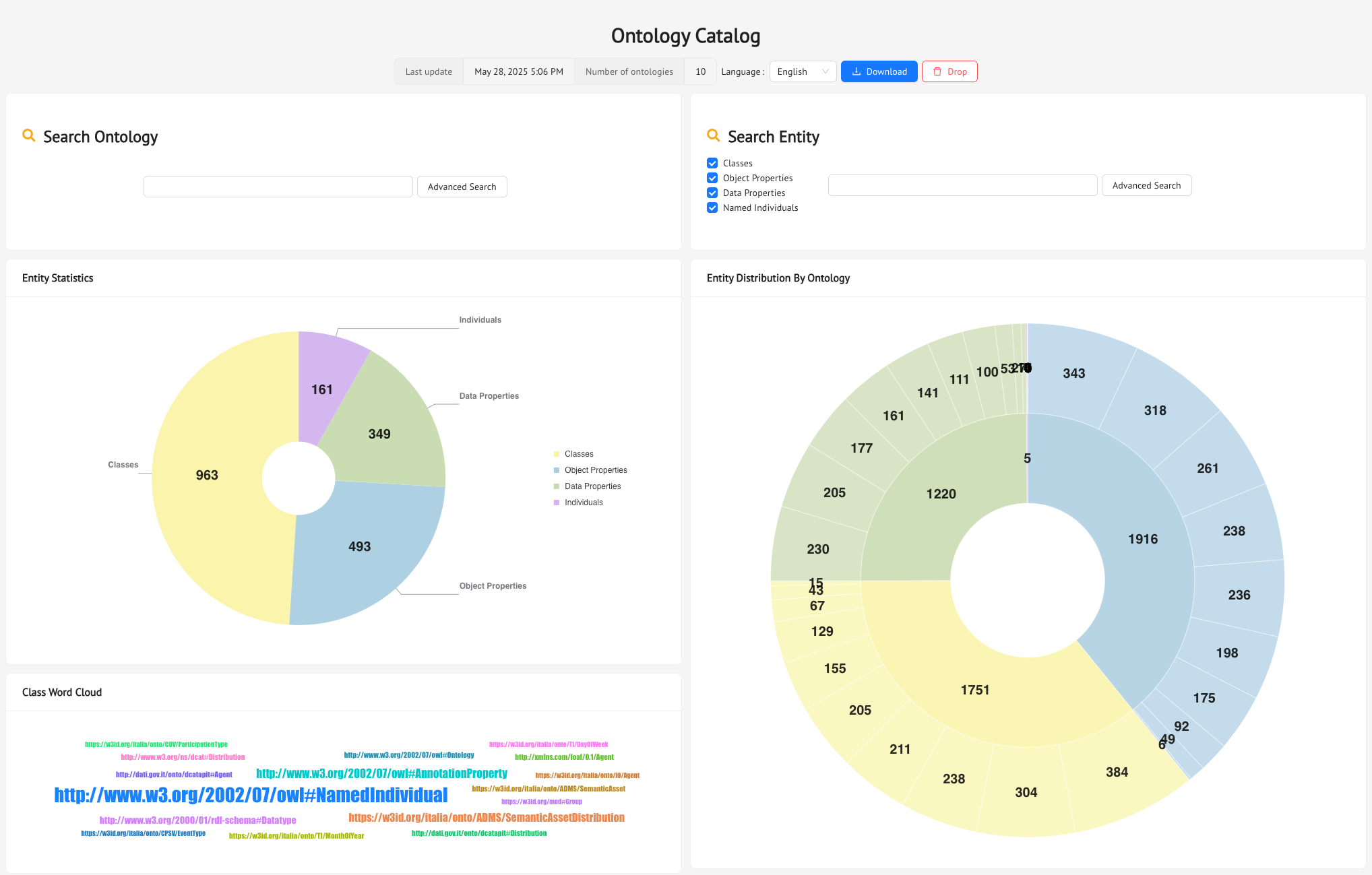
which presents the following sections, starting with the home page of the catalog, where you can see an overview of the Ontology Catalog with predifined charts that provide an overview of the ontologies in the catalog and their metadata. You can also search for an ontology and for specific entities, and navigate back to the Ontology section. Finally, you can Download the entire ontology catalog as an RDF file or Drop all the triples, resetting the catalog.
Browse
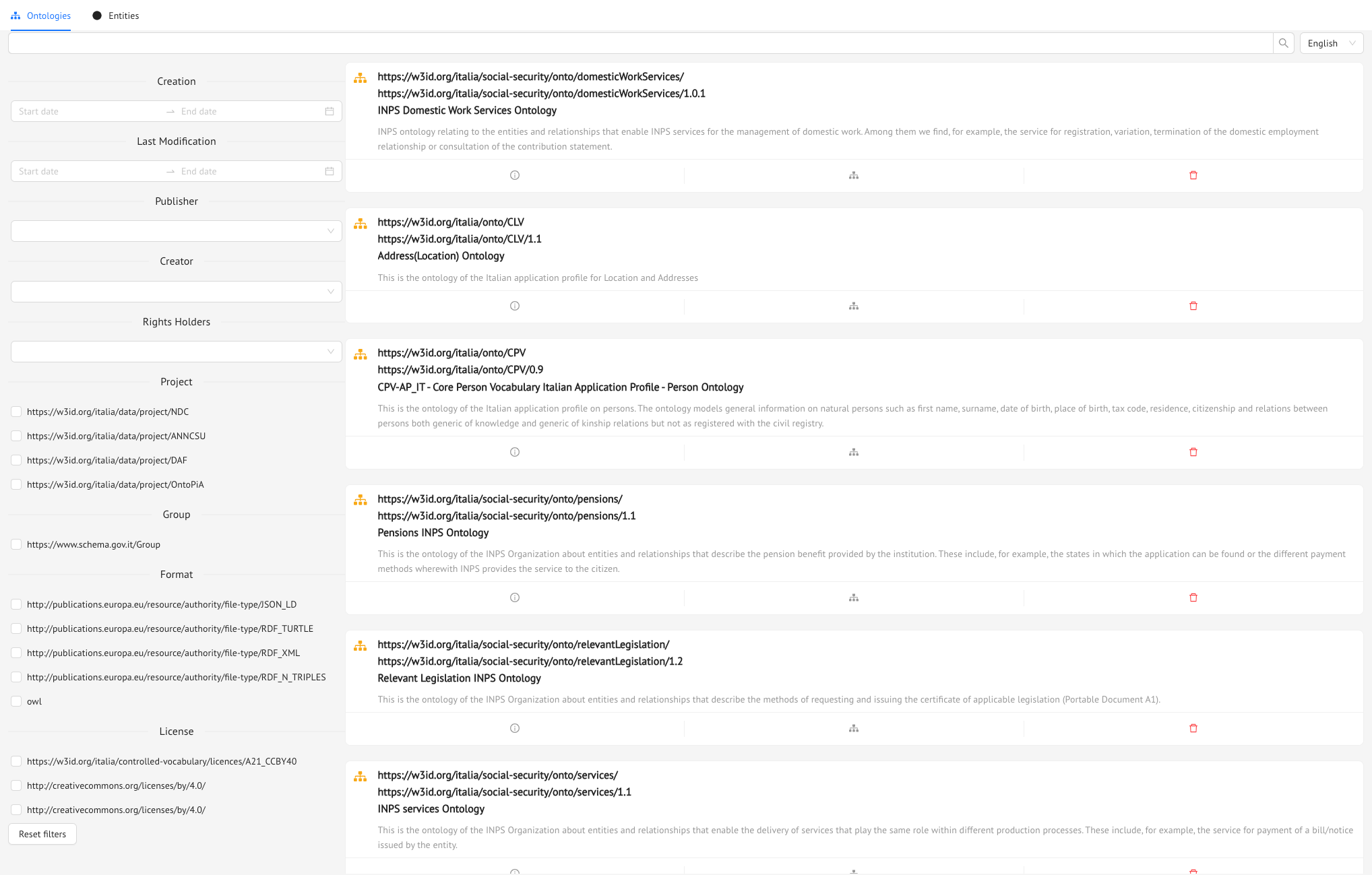
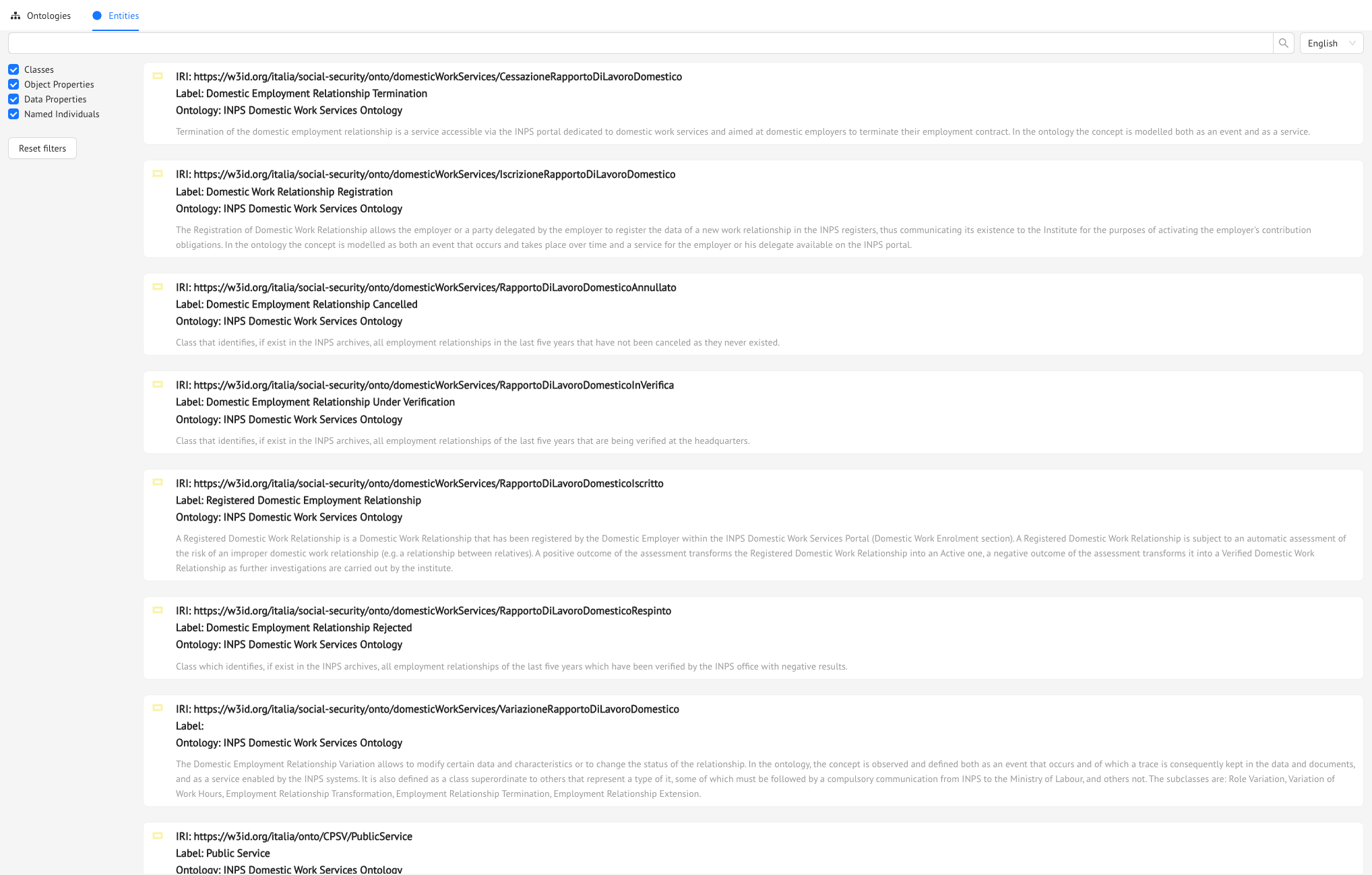
Here you can search ontologies and entities by filtering their metadata.
Explore
Here you can see the overall strucure of the triples which are available in the Ontology Catalog starting from the Classes or navigating all the triples.
VKG
Here you can explore the RDF data by means of our VKG RDF
Query
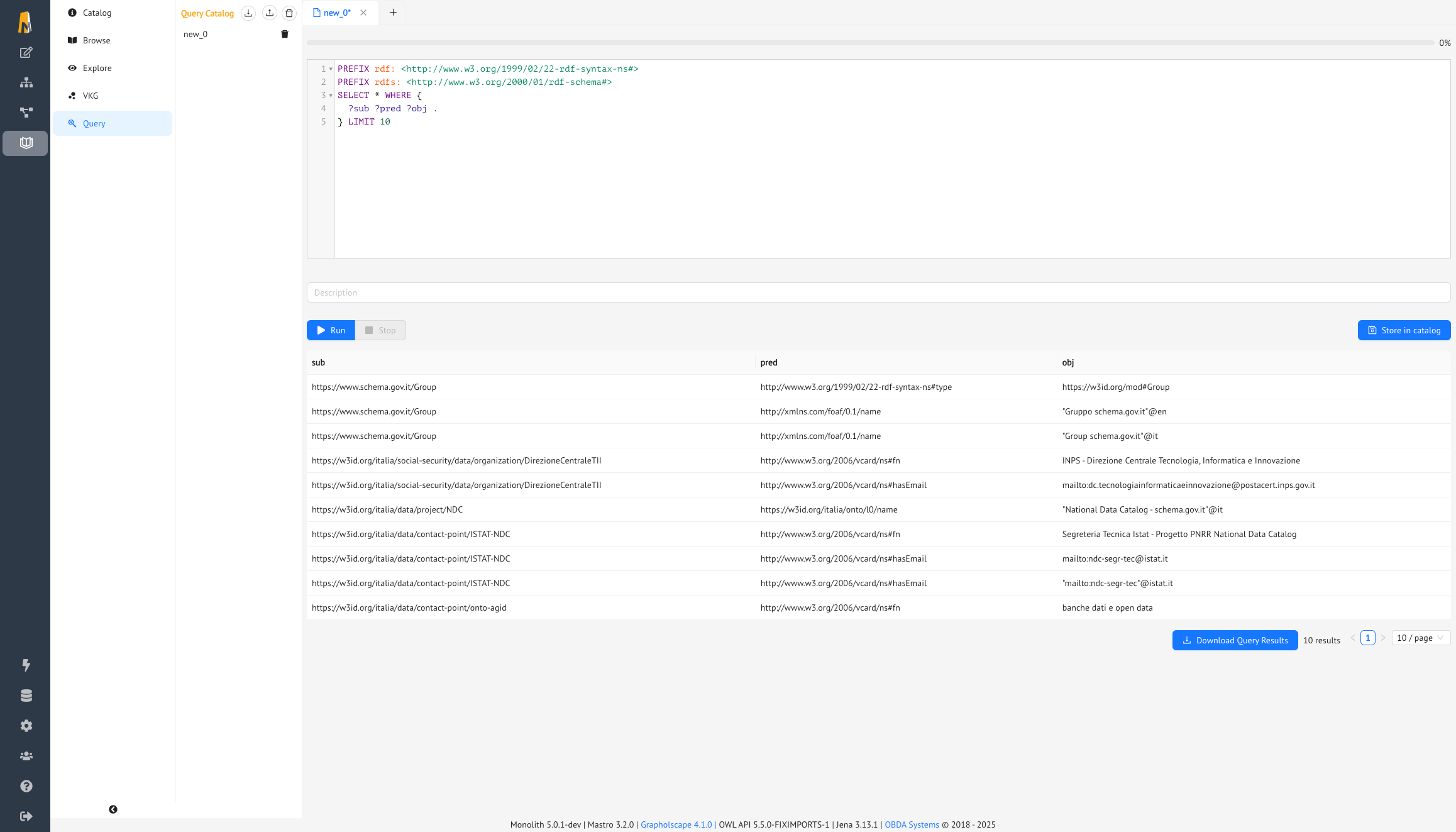
Here you can perform custom SPARQL queries over the Ontology Catalog and see the results.