Ontology Explorer
The ontology explorer lets you explore the ontology graphically and interactively, navigating through multiple diagrams.
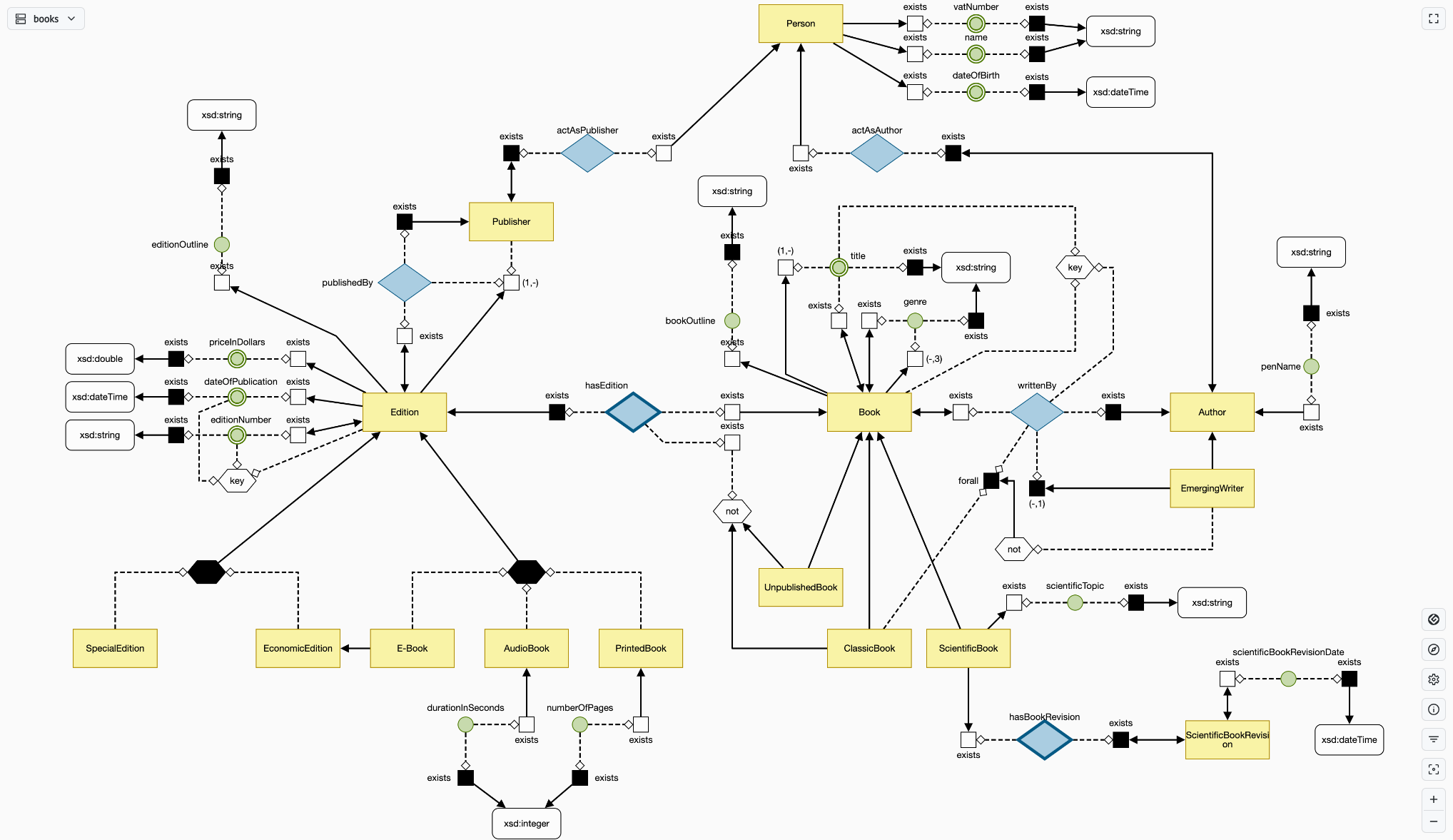
The main focus of the tool is the graphical representation of the ontology, any node or edge is selectable. The available tools and widgets around the screen are listed below in clockwise order starting from upper left corner:
- Diagram Selector: Select a diagram in the ontology to be displayed
- Entity Details: When an entity is selected, this widget shows up in the upper right corner, showing all the details of such an entity.
- Fullscreen Button
- Renderer Selector
- Entity Explorer: Shows the list of all defined entities in the ontology allowing to quickly navigate to their occurrences across any diagram.
- Settings: Lets you change preferences about entity displayed names, language used for labels and comments and themes. Exporting functions are also availables in this section.
- Ontology Info: Shows all metadata information about the loaded ontology and entity type counts per diagram.
- Filters: Contains several toggles to filter out certains type of entity/axioms. The elements that can be filtered out are: Data Properties, Value Domains, Individuals, Universal Quantifier, Complements and Has Key.
- Center Graph Button: centers the current graph into the viewport
- Zoom Buttons
- OWL Translator: When something is selected while using the Graphol renderer, this widget appears at the bottom of the viewport showing the corresponding OWL2 translation of such axiom.
Renderer Selector
The ontology might have been built using different tools and depending on which tool has been used one or more rendering mode will be available.
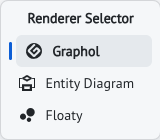
- Graphol: Native rendering mode for Graphol ontologies built using Eddy
- Entity Diagram: Rendering mode available only for Graphol ontologies. In this mode the diagram is simplified and some complex axioms are hidden, the result aims to be as close as possible to an ER diagram.
- Floaty: Rendering mode available for all ontologies. In this representation, only entities and hierarchies are retained and nodes are placed using a force directed layout. This aims to be the simplest representation of the ontology, logical axioms are reduced to the bare minimum to focus mainly on classes and relationships.
Previous Next